We used AI to make more than 10,000 free illustrations for children's learning and activities. One thing we learned along the way is that AI is more frightening when it draws something that looks right and gets it wrong than when it simply can't draw.
How we made them
The work was divided like this. Claude Code writes the structure and the instructions for each batch of 12 images. Codex's image generation then draws the pictures from those instructions. The finished pictures are laid out on contact sheets, and a person checks them by eye.
One batch of 12 images takes about 10 minutes. Including waiting for usage limits, there was a day when making 360 images took about 14 hours.
Looks right, but differs from the real thing
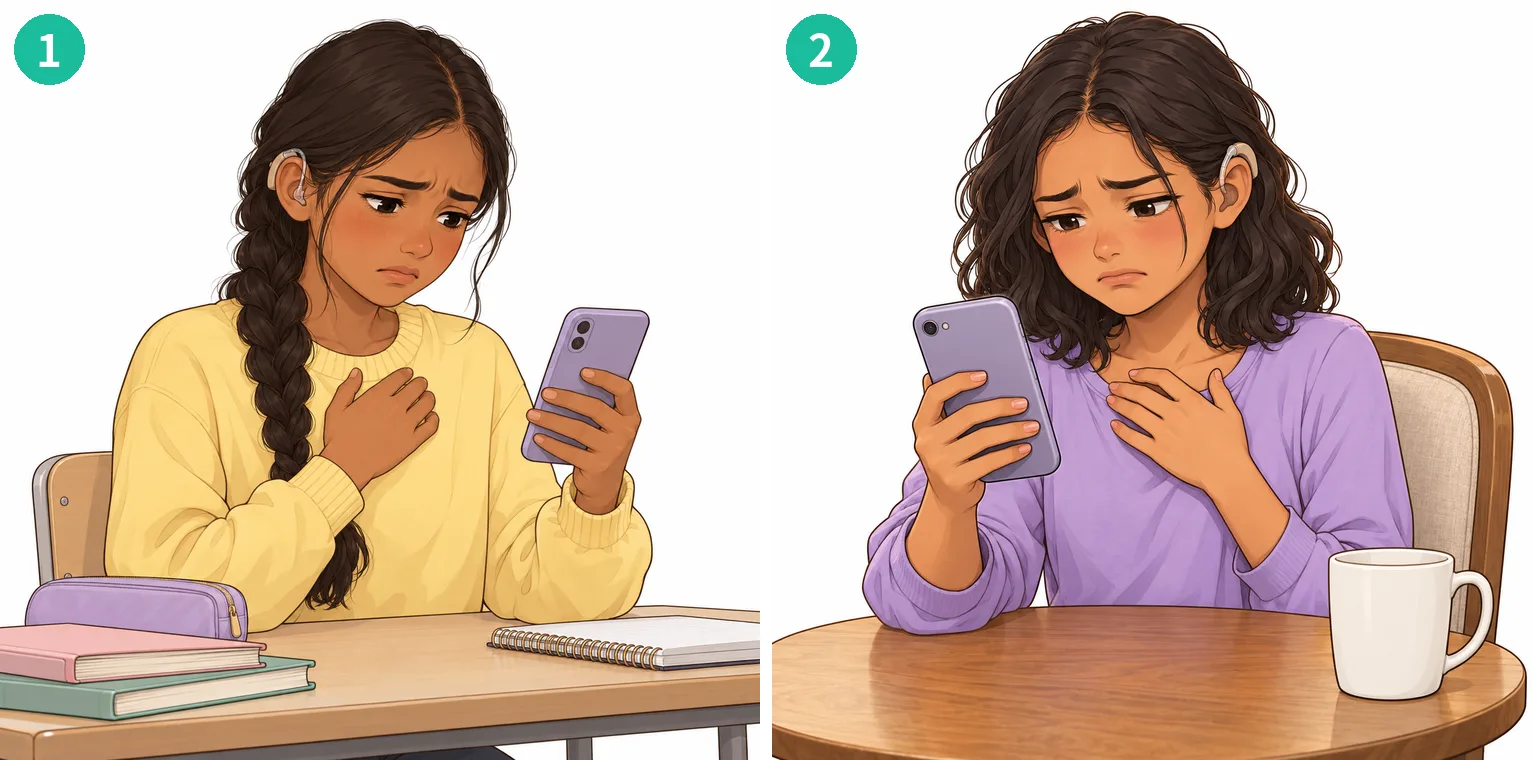
For illustrations of all kinds of children, we checked, one image at a time, whether the shapes of wheelchairs, white canes, hearing aids and guide-dog harnesses were accurate. A picture can look right and still differ from the real thing. "Looks right" alone can be disrespectful to the children who use the materials.
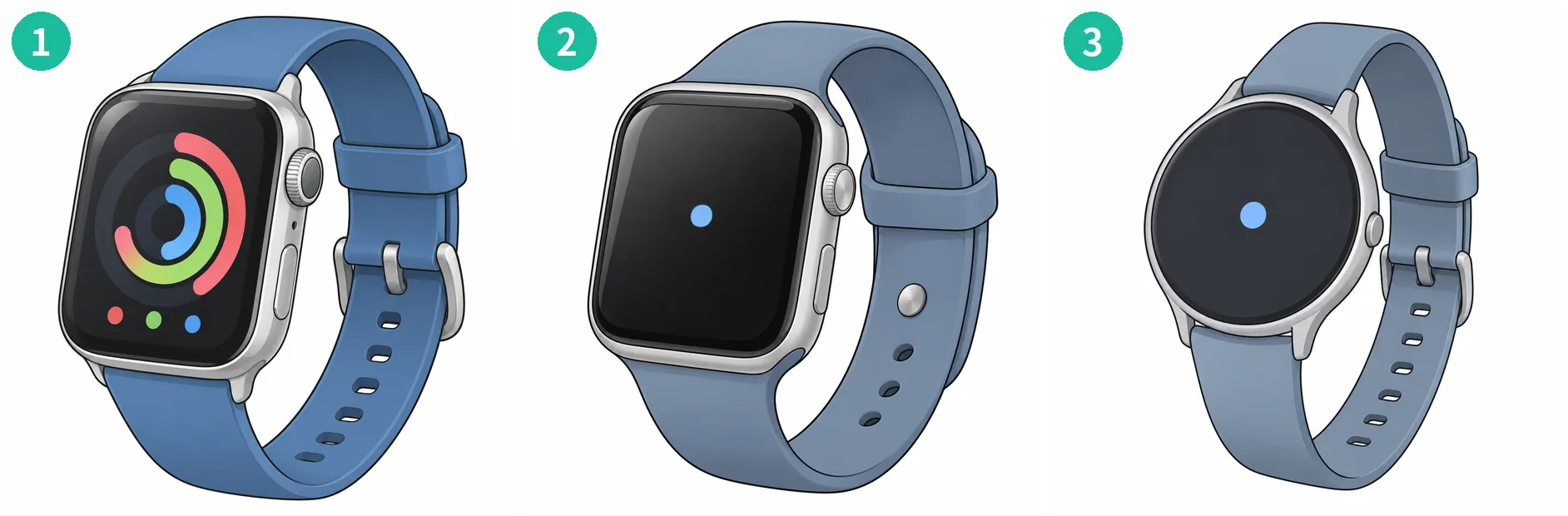
In the digital-device illustrations, a smartwatch came out looking just like a real, existing device, down to three-colour rings on the screen. We could not make it resemble a specific product, so we redrew it. It still came out with a square, rounded-corner screen, and in the end we settled on a generic form with a round screen.
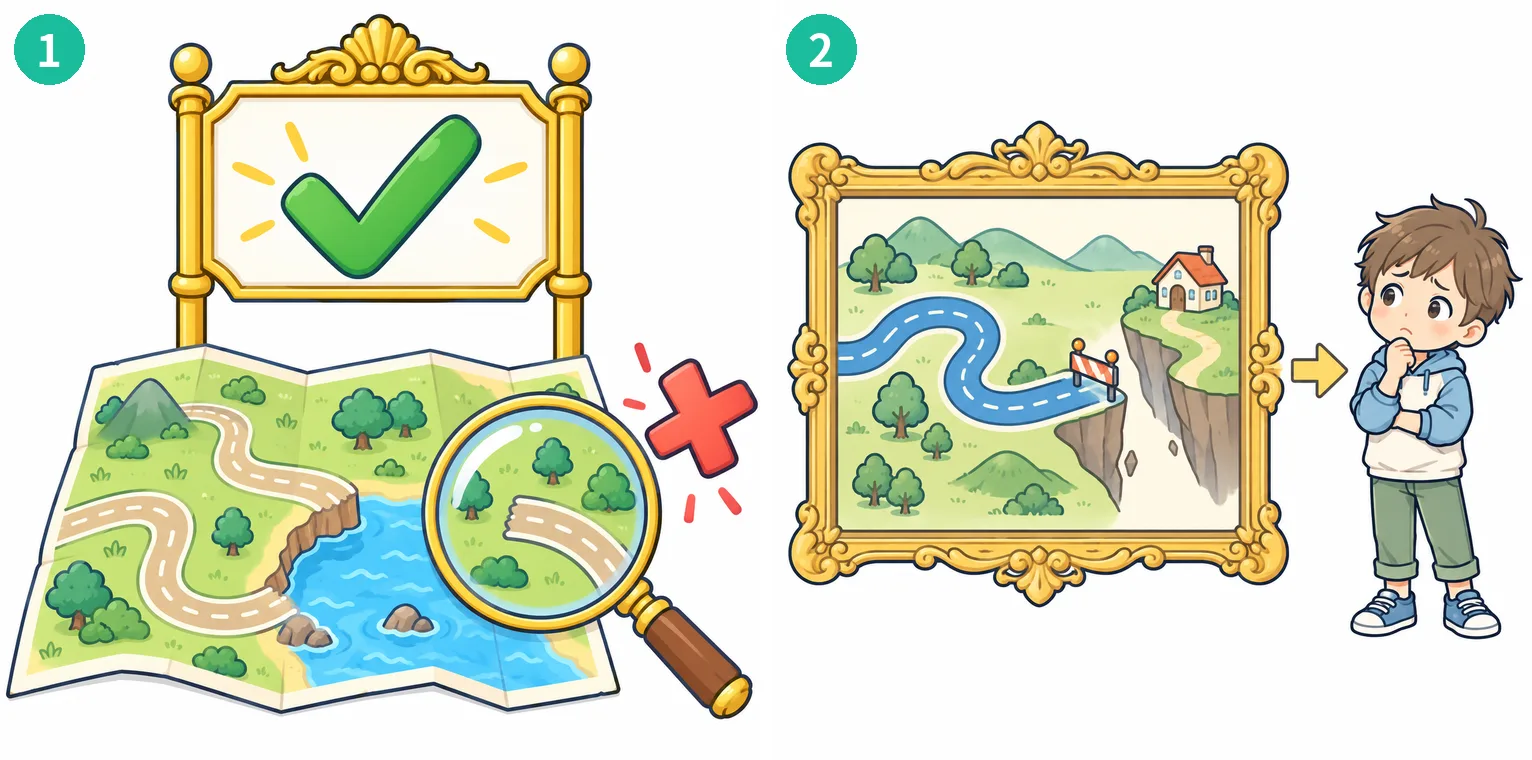
In a diagram explaining how AI learns, we asked for a scene of "AI being confidently wrong." The first picture showed a large green check mark above a false map. We wanted to show a mistake, and a mark meaning "correct" appeared. We redrew it as a map whose road breaks off at a dead end, with a child tilting their head.
Some things must not be drawn
When we asked for banknotes, we got a white rectangle. It did not work as a picture, so we rejected it.
A doctor helicopter came out with the Red Cross emblem. Under the Act on Restriction of Use of the Red Cross Emblem and Name (in Japanese), a red cross on a white ground, or anything similar to it, must not be used "without good reason." Only the Japanese Red Cross Society and organizations authorized by law may use it, and violations are punishable by up to six months of imprisonment or a fine of up to 300,000 yen. The Japanese Red Cross Society (in Japanese) also explains that the mark is not a symbol of hospitals or medicine, but identifies those who provide relief and their facilities. Because even a drawing can count as "similar," we cannot publish it as material, however beautifully it is drawn. AI does not know what "must not be used."
In the in-game purchase screen, something that looked like numbers had slipped in. We had decided not to draw numbers or text in the pictures, so we removed it too.
AI draws exactly what it is told
When making the "home scene" illustrations, we wrote "desk and chair" in the instructions. What came out was a school desk and chair, with a pencil case and a notebook besides. Our policy was to avoid school settings, yet the words in the instruction brought school in. We rephrased it as "sofa," "bed" and "dining table" and redrew it.
Same instruction, different model, different picture
There are many image models. When we gave the same instructions and the same reference images and changed the model and settings, the pictures came out completely different.
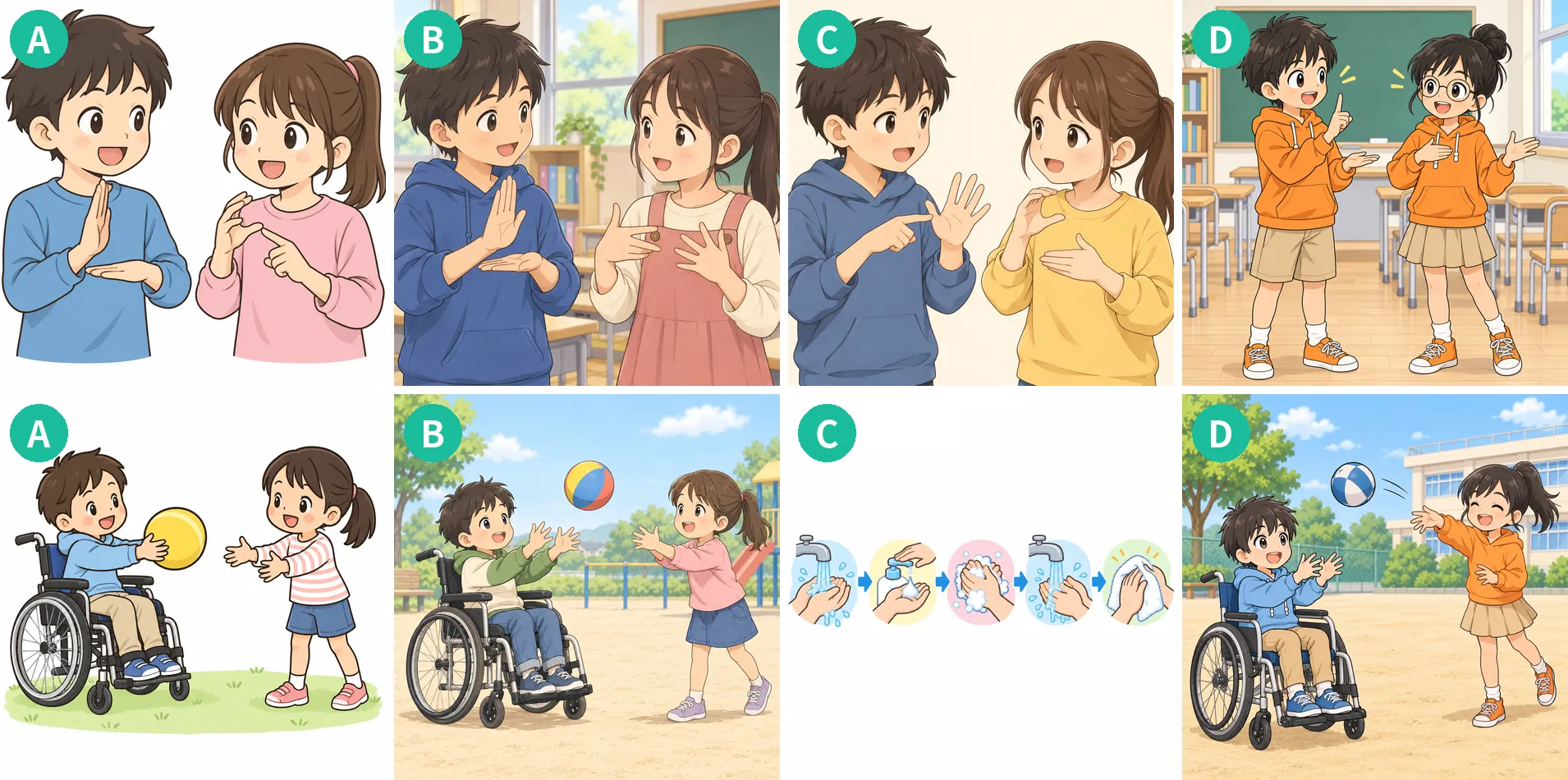
The top row is the instruction "two children talking in sign language." The shapes of the hands and the detail in the background differ with each setting. All of them look as if the children are signing, but the hand shapes are not necessarily correct sign language. A person who uses sign language would see the difference. So we titled that material "gestures," not "sign language."
The bottom row is the instruction "a child in a wheelchair playing ball with a friend." One setting answered this instruction with the hand-washing diagram that belonged to the sixth image. The order got mixed up. Another setting copied the person in the reference image as it was. In the end we chose the setting that gave equal image quality with less processing.
Pitfalls beyond the pictures
When we made backgrounds transparent, a child in a white T-shirt vanished, shirt and all. Investigating, we found that the transparency process had travelled along a white band under the body and into the shirt. About 35 scene illustrations had black frames drawn around them. When we reviewed all 340 four-panel comics one by one, we found three places where the picture and the dialogue did not match.
None of this would have been noticed if we had used the AI's pictures as they came.
AI is fast; humans do the checking
Thanks to AI, we made 10,000 pieces, far faster than people alone could. Yet the time needed to check every piece by eye did not get shorter. AI can be trusted to make things, but deciding "Is this okay to use?" is up to people.
This is something we want children to know as well. What AI produces can look right without being right. "Looks right" and "is right" can be different things. Knowing that alone changes how you work with AI.
The materials are available as an illustration collection for children's learning and activities, free for non-profit children's activities. The page states that they were made with AI.